
You can get the structure of the molecule using ChemDraw. U of R has a site license for ChemDraw so you can get it from there.
Note: These instructions are using ChemDraw and then Pymol on a Mac. I assume it is similar for a PC but there may be some slight differences
In ChemDraw you will want to use the Convert Name to Structure Function

Here it will open a window where you can type the name of the compound you are interested in

From there you will get the 2D version of the structure

If you need to have a charged version of the molecule you can also make this change in ChemDraw. Right click on the atom that needs to be modified and select atom properties

This will then open up a menu of multiple options for the atom, with the first being charge. From that drop down menu you can select what the charge needs to be

Once you have made any edits that you need to, you can export the molecule. You will want to save this as a chemdraw file (.cdx). Go to file>save and select chemdraw from the format options

Now that you have a the chemdraw file of the structure you will need to convert this to a structure using Openbabel. Openbabel is available for Mac, Windows or Linux, and installation instructions can be found here:
http://openbabel.org/wiki/Category:Installation
Once you have Openbabel installed you will run the following command to generate a mol2 file, which will represent the 3D structure of the molecule:
obabel -icdx example_structure.cdx -omol2 -h --gen3d > example_structure_gen3d.mol2
In this line the –gen3d searches for 3D conformers of the molecule and -h adds the hydrogens/makes all hydrogens explicit. It is very important to make sure hydrogens are added otherwise it may produce odd structures for the output.
If you are using the Windows GUI instead of command line you will need to search through the options to make sure that you do the 3D conformer search and add the explicit hydrogens
From here this mol2 file can be used as the 3D structure, but it can also be converted to a PDB file using Pymol. This is helpful for some things that may require connectivity records (for amber flooding you will want these)
Load the mol2 file into pymol:
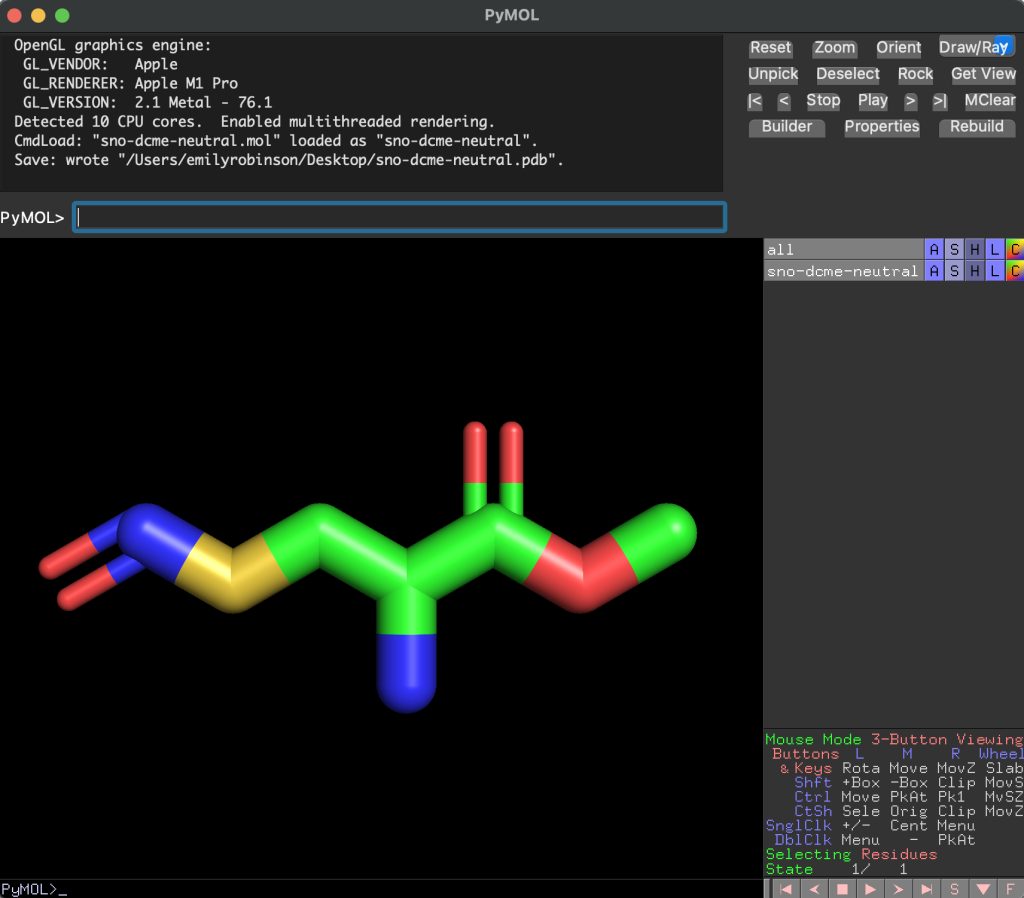
You can then go to file>export molecule and select the PDB options that you want

Hit save, then this will prompt you to name the file and select what you would like to export it as. Select PDB from the options list

And now you have a PDB file that can be used for simulations